“AI is transforming classrooms, offering incredible opportunities like personalized tutoring and smarter lesson planning.
But with these tools come challenges: over-reliance, ethical concerns, and declining deep reading skills.” – UNESCO.
Does it hold ground for you? It’s time to decode.
I was helping my niece with her history assignments for class XI.
As I was looking for a reference book on my shelf, she asked ChatGPT the question.
Initially, I scolded her for not having the habit of going through reference books. However, she said,
“Everyone does that. It’s quick and saves so much work.”
I can’t blame her, actually, as this is how it works for most students these days.
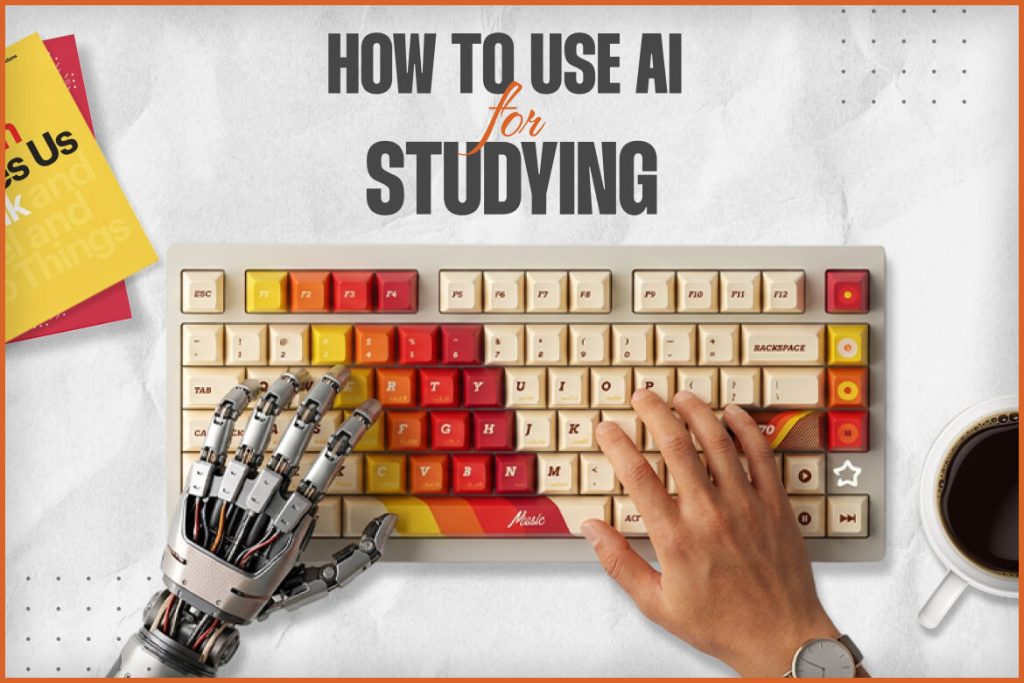
However, you have to know how to use AI for studying. It decides whether you learn more or less by using AI for studying.
In this guide, I have pulled together the largest 2026 student surveys and landmark learning studies.
Also, I have talked about how the practical workflows follow from them.
Follow all of these to know how you can use AI as your personal, interactive tutor.
| Quick Answer: How To Use AI For Studying? Use AI for studying so that it challenges your thoughts and does not limit them. Also, AI for studying must question your thoughts, encourage your individual reasoning, and give hints to learn more. If you are using AI for learning, it should not function as a random answer engine and just hand out answers. You can see using AI for learning as a five-stage process. Try First Take a question and try to draft the answer to it first. At this stage, don’t seek any help from the AI. Ask For Hints, Not Solutions Prompt the AI so that it can guide you through the step-by-step process. Let The AI Be Your Quiz Master Try to remember or retrieve the information. By doing so, you will make your brain work. Ground It In Your Material You must paste what you have read in the textbook or the references you want to use while using AI for your study. This practice will keep the answers aligned with your course. Verify Everything That Matters AI can hallucinate and invent facts and citations. So, you must always cross-check the information and data against authoritative sources or real publications. |
How Many Students Are Using AI To Study In 2026? Let’s Know The Numbers
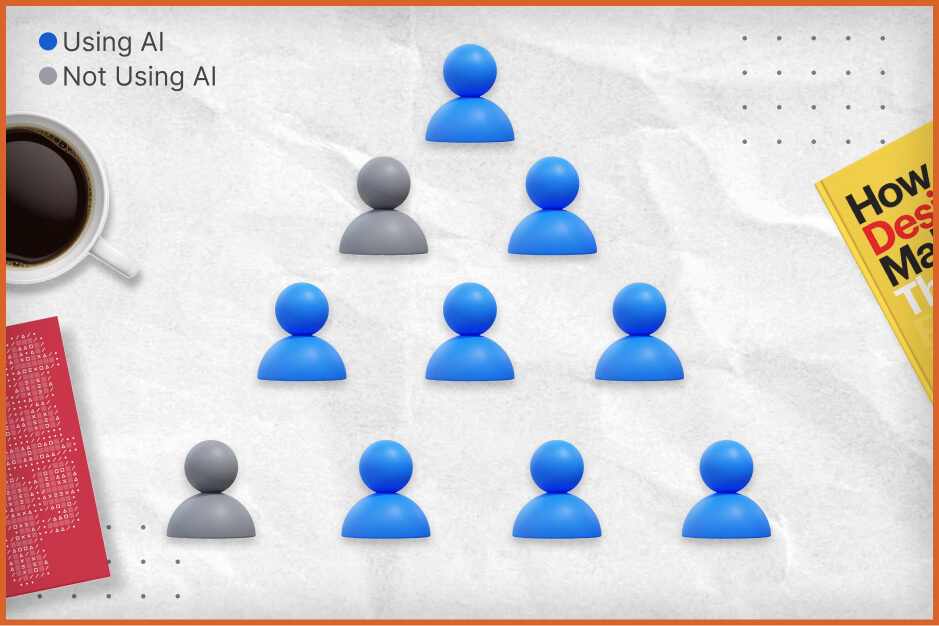
The use of AI for studying is universal.
However, having a look at the real numbers will help us understand how many students are actually using it.
| Survey | Surveyed On | Year of Fieldwork | Sample Size | Measurement Criteria | Result |
| HEPI and Kortext Student Generative AI Survey 2026 | Full-Time Undergraduate Students in the UK. | 2025 | 1054 | Students using AI at least once in this academic year | 95% |
| Full-Time Undergraduate Students in the UK. | 2025 | 1054 | Students using generative AI for assessment work | 94% | |
| How Teens Use and View AI Pew Research Center | Teenagers aged 13 to 17 in the USA. | 25th September to 9th October 2025 | 1458 | Using chatbots for schoolwork | 54% |
| AI in Higher Education Global Survey 2026 The Digital Education Council | Students and Faculty | 2026 | 27284 Students,18,114 Faculty,35 Countries | Use of AI in learning | 88% of students use AI for learning, and 77% of teachers use AI for teaching. |
| Lumina Foundation-Gallup 2026 State of Higher Education study | US College Students | 2nd to 31st October 2025 | 1433 students from 18 to 59, pursuing associate degrees. 2,368 bachelor’s degree students. | The use of AI in coursework at least once a week | 57% |
How To Use AI For Studying? Know The 7 Practical Ways
Here are seven practical methods in which the AI you use will keep you thinking.
Explain It Back Or The Feynman Method
When you read a topic, you explain it in your own language and let AI find the gaps.
Here, you can give a prompt like this.
“I am going to explain the use of AI for learning as if teaching a first-year student.
Don’t correct me until I finish. Then list what I got right, what I got wrong, and what I left out.”
Quiz Me Or The Retrieval Practice
Tell the AI to ask you questions and then answer them without looking at the answer it has produced.
Then, get feedback.
Socratic Tutor Mode
Force the AI to guide you on a topic and force it not to answer your questions directly.
The built-in study modes of major chatbots will do this by default, and I have mentioned the same in the comparison table below.
However, you can always design a prompt to ensure that the AI acts in tutor mode only.
You can design a prompt like this.
“Act as a tutor. Never give me the final answer.
Ask guiding questions and give one hint at a time until I solve it myself.”
Faded Worked Examples For Problem Sets
Supposedly, you are working on the following topics.
- Maths
- Physics
- Chemistry
- Statistics
You can ask for a fully worked example.
Once you understand how to solve it, ask for a similar problem with steps missing.
Continue doing this until you can solve the problem completely.
Summarize Your Own Notes: Then Ask The AI To Check It
You have read something, and now it is your turn to summarize it.
Summarize the entire thing in the top 5 or top 10 key ideas, and then ask the AI to review it and identify the gaps, inconsistencies, or errors.
The prompt can be like this.
“Summarize the notes below into 10 key ideas.
For each, quote the line from my notes it came from. Flag anything that seems missing or inconsistent.”
Create An Error Log With Your Mistakes
After a practice test, you can paste all the wrong answers into the AI learning mode.
Then, ask AI to assess the types of mistakes, such as conceptual or careless errors, or important information missing.
Next, ask AI to generate three fresh practice questions for each.
Get Feedback On Drafts Without Handing Over The Pen
For essay or article writing, you must create your own draft first.
Then, ask for feedback on argument and structure.
“Review my draft’s argument.
Identify the weakest claim, any missing evidence, and unclear transitions.
Do not rewrite any sentences.”
Now, suppose your course allows AI assistance with writing.
You must keep a record of how you used it.
I have discussed this aspect at length in our how to cite ChatGPT guide.
Learn how to acknowledge it in APA, MLA, and Chicago.
A Few Examples: Three Illustrative Study Scenarios
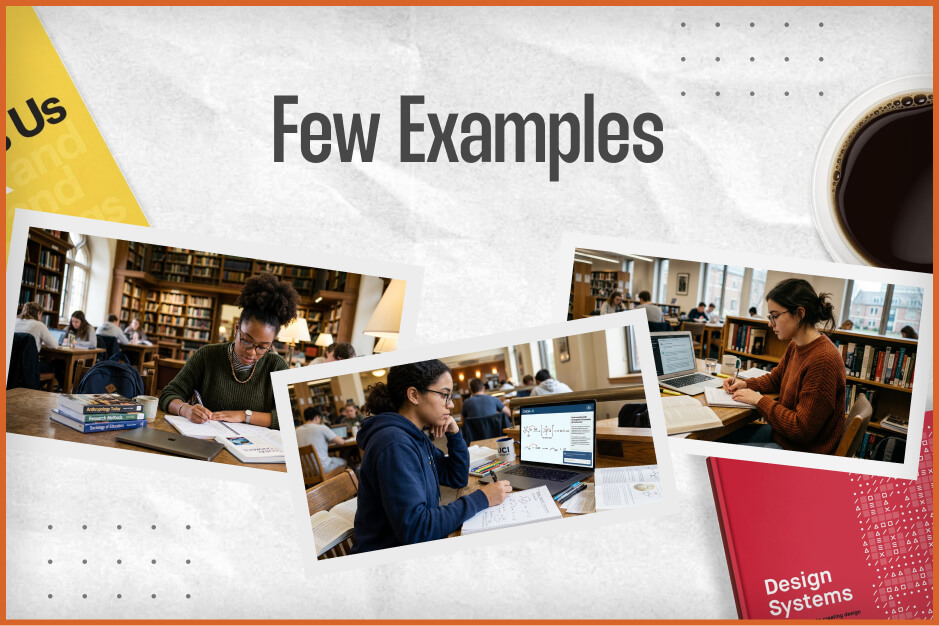
I have created some scenarios.
These are not about real students.
However, these will help you understand how the principles above change outcomes in different subjects.
Scenario 1: Organic Chemistry Reaction Mechanisms
A student stuck on SN1 versus SN2 reactions could ask AI to “explain mechanisms.”
That produces a clean summary, and little retention.
A stronger approach can be like this.
Draw three mechanisms by hand, photograph or type them out, and ask the AI to find errors without redrawing them.
Then, you can request five new substrates to predict products for.
The student leaves with practice, corrected misconceptions, and an error log.
Scenario 2: Preparing For A History Essay Exam
Instead of asking for a model essay, the student writes a one-paragraph answer to a past question from memory.
Then, they paste it in and ask the AI to grade it against the course rubric and list missing evidence.
Next, the student asks for three counterarguments, then rewrites the paragraph.
Throughout, they check any names, dates, and quotations against the textbook, since AI can state historical details confidently and incorrectly.
Scenario 3: Statistics Problem Set
The weak use is pasting each problem and copying the solution.
The strong use is to attempt every problem first, then ask for hints only where stuck.
Now, you can ask for a similar problem to test whether the method transferred.
This mirrors the guardrails that protected learning in the PNAS experiment.
A Four-Week Plan For Building An AI-Assisted Study Routine
| Week | Focus | Weekly Actions |
| 1 | Baseline and Rules | Read the AI Policy of Your Course. Study One Topic with No AI. Then Use AI Only to Quiz Yourself on It. |
| 2 | Retrieval and Feedback | Run “Quiz Me” Sessions After Each Lecture. Start an Error Log. |
| 3 | Tutoring and Problem Solving | Use Hint-Only Prompts on Problem Sets Try One Study Mode and Compare It with a Standard Chat. |
| 4 | Test and Refine | Take a Practice Exam with No AI. Compare Scores with What You Expected. Adjust Which Methods You Keep. |
Does AI Help Or Hurt Learning? What Does The Research Say?
I have taken three well-known studies into account to have a clear picture of how and why AI helps in learning.
You may argue whether these studies are comprehensive and all-encompassing or not.
However, for sure, these three studies give us some direction about whether AI helps or hurts learning.
Do you remember one staple essay that we all have written as children?
“Science and Technology: Boon or Bane?”
It is the same for how to use AI for studying.
It is not about the technology completely, but how you use it.
Case Study 1: The High School Math Experiment (PNAS, 2025)
This case study was published in the Proceedings of the National Academy of Sciences of the United States of America (PNAS).
In this study, researchers from the University of Pennsylvania and a Turkish high school ran a randomized field experiment.
The study was conducted with nearly 1000 students in grades 9 to 11.
In this study, the students practiced math with one of three setups.
- A Standard ChatGPT-style Interface or GPT Base
- GPT Tutor, a Version with Teacher-Designed Guardrails Giving Hints and Not Answers
- No AI.
The study’s results were striking.
| Condition | Performance during Practice | Performance on Exam (AI Removed) |
| GPT Base (Unguarded) | +48% | 17% Lower than the No AI Group |
| GPT Tutor (Guardrails) | +127% | Almost the same as the no-AI Group |
| No AI | Baseline | Baseline |
What Does The Study Indicate?
The study indicates that students who use unguarded GPT-4 as a crutch during practice naturally fare poorly in the exam without any AI assistance.
In fact, while talking to PsyPost, the co-author of the study, Alp Sungu, mentioned,
“Generative AI arrived with enormous excitement about its productivity potential.
But if AI undermines skill development, it could harm both productivity and cognitive abilities in the long run.
At the time, there was remarkably little causal evidence on AI’s effects in education.”
Alp Sungu is an assistant professor at the Wharton School at the University of Pennsylvania.
However, remember that the study covers the students of one school and one subject.
Also, the guarded tutor required long, carefully written prompts.
So, it is NOT sacrosanct proof that every AI tool will behave in the same way for every student.
Case Study 2: The Harvard Physics AI Tutor (Scientific Reports, 2025)
I read about this study in Nature Magazine.
It kind of stands in the opposite direction of the previous study.
It was a randomized controlled trial at Harvard, and the sample size was 194 students.
They were all enrolled in an introductory physics course.
There was a comparison between a custom-built AI tutor used at home and an instructor-led active learning class.
Each student experienced both formats on different topics.
Students learned significantly more with the AI tutor.
Also, students did so in less time (a median of about 49 minutes versus 75) and reported higher engagement.
Understanding The Study Outcome
The design of the AI tutor made it different.
It was built on the worked solutions of the course itself.
Also, it guided students and did not just offer answers.
Lead author Gregory Kestin offered a balanced reading of the study, saying that if we’re not careful, AI “could also hinder learning.”
Moreover, the study has its own limitations.
It was done only on Harvard undergraduates and on students in one course only.
Again, the results were short-term.
Case Study 3: MIT’s “Your Brain On ChatGPT” Essay Study
This study is called “Your Brain on ChatGPT: Accumulation of Cognitive Debt when Using an AI Assistant for Essay Writing Task.”
This study had 54 participants who wrote essays across several sessions using ChatGPT, a search engine, or no tools while wearing EEG caps.
The ChatGPT group showed the weakest neural connectivity.
Also, the participants using ChatGPT for writing the essay could not quote even a single line from it.
The Outcome
For me, the findings of this case study are oversimplified.
While talking to Tech & Learning, Nataliya Kosmyna, the lead author, shared,
“We didn’t find any brain rot.”
Furthermore, the study was small, and it was not peer-reviewed at the time of its release.
Also, it focused on essay writing, and the authors themselves state that the outcome may not be generalizable to other tasks.
The title of the study may evoke a lot of expectations, but the lesson is narrower.
Then again, it is obvious that if you write an essay using AI, you will not remember it.
What These Three Studies Have In Common
Three different studies, one consistent pattern!
In the table below, I have summarized and separated the positive and negative outcomes of these studies.
| Study | Helped Learning When | Hurt Learning When |
| Turkey Math (PNAS) | AI only gave hints and not answers | Students used AI without any guardrails or guidance. |
| Harvard Physics (Science Reports) | The AI tutor followed course-specific pedagogy and structure | Poor design of the tool can be a pain. |
| MIT Essays | Writers drafted unaided before using AI | The AI produced the essay from the start. |
How Students Really Use AI At Scale: Anthropic’s Education Report
Anthropic itself has flagged that students must not “offload critical cognitive tasks to AI systems.”
It comes after Anthropic analyzed 574,740 anonymized student-related conversations on Claude.ai.
The outcome?
- 47% of the students were interested in direct conversations and answers.
- 39% of the students used Claude to create or improve educational content.
Now, this group of 47% showed minimal engagement.
Here, we can also refer to what the American Psychological Association says.
In the conclusion of its “How to help your students use AI without losing the learning,” article, it mentions,
“AI is already a central part of students’ academic lives.
By anchoring AI use in the higher levels of the ICAP framework and keeping students cognitively engaged, we can help ensure that AI becomes a partner in learning, rather than a shortcut around it.”
ChatGPT, Gemini, And Claude: Comparing The Study Tools
All these major AI assistants have been offering tutor modes since mid-2025.
So, they have started acting as a platform beyond an answer engine.
I have compared all these modes and have found a shared industry view that students need guidance and not just answers.
However, it is given that these platforms will keep changing their core features.
Launch Timeline And Features
OpenAI launched Study Mode in ChatGPT on July 29, 2025.
Google followed with Guided Learning in Gemini on August 6, 2025.
Again, Anthropic introduced a learning mode as part of Claude for Education in April 2025.
| Tool | What It Is? | Approach | Notes |
| ChatGPT Study Mode | Mode in ChatGPT | Asks questions and checks understanding before revealing more | Reported as free on all plans in a 2026 comparison. |
| Gemini Guided Learning | Mode in Gemini | Step-by-step guidance with visuals, quizzes, and study guides | Google’s free student promotion reportedly ended March 11, 2026. |
| Claude Learning Mode | Mode in Claude | Socratic questioning, scenario-based practice | Launched with Claude for Education. The same comparison describes it as the most strictly Socratic. |
I have done this comparison in a controlled environment.
So, the observation can change with the prompt design and based on the person using it.
Risks Of Studying With AI And How To Manage Them?
AI study tools carry real risks that are easy to underestimate because the outputs sound confident and fluent.
The four below are the most important.
Hallucinations And Fake Citations
Language models can produce plausible but false information, including invented references.
A 2026 benchmark called GhostCite tested 13 models and found citation hallucination rates ranging from about 14% to about 95%, depending on model and domain.
Even newer models are not immune.
A 2026 study of GPT-5 on orthopaedic guidelines found 7.13% of 2,736 generated references were fabricated.
So, for study purposes, never trust an AI-provided reference, statistic, or quotation until you confirm it in the source.
Cognitive Offloading And Overconfidence
The PNAS study found that students with unguarded AI felt they were learning but performed worse once it was removed.
Also, an MIT study found weaker recall of AI-written essays.
The fix is behavioral.
Attempt first, use hints, and test yourself without AI regularly.
Academic Integrity
Policies vary widely between institutions, courses, and even individual assignments.
Submitting AI-generated text as your own work is misconduct nearly everywhere.
Also, many courses require disclosure of any AI help.
Keep screenshots or shared-chat links of your AI use in case an instructor asks.
Privacy And Data
Avoid pasting confidential material, such as unpublished research, personal data about others, or content your institution restricts.
Check your school’s guidance on approved tools, as some institutions provide licensed versions with different data protections.
So, Should You Use AI For Studying?
AI can make studying far more effective or far less effective, and the difference lies in your behavior and the tool’s design.
Most students now use AI.
So, the question is no longer whether, but how.
Unguarded answer-giving AI improved practice scores but reduced later exam performance by 17% in a large school experiment.
However, a hint-giving tutor avoided that loss.
A purpose-built tutor outperformed active learning in a Harvard trial, but design was crucial.
Writing with AI from the start reduced recall and ownership in an MIT study.
Attempt first, ask for hints, quiz yourself, test without AI, and verify every fact and citation.
That is the way to go about it.